MyChoreBoard Is Now Available in the App Stores
- Jacob Volk
- Product Updates
- 28 Apr, 2026
Installing MyChoreBoard just got easier.
September 2026 update: MyChoreBoard is also now available in the Amazon Appstore for Fire tablets. Read the Amazon Fire announcement.
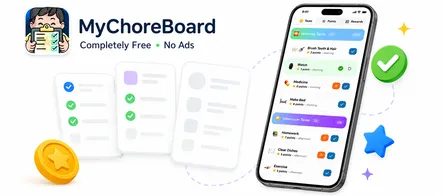
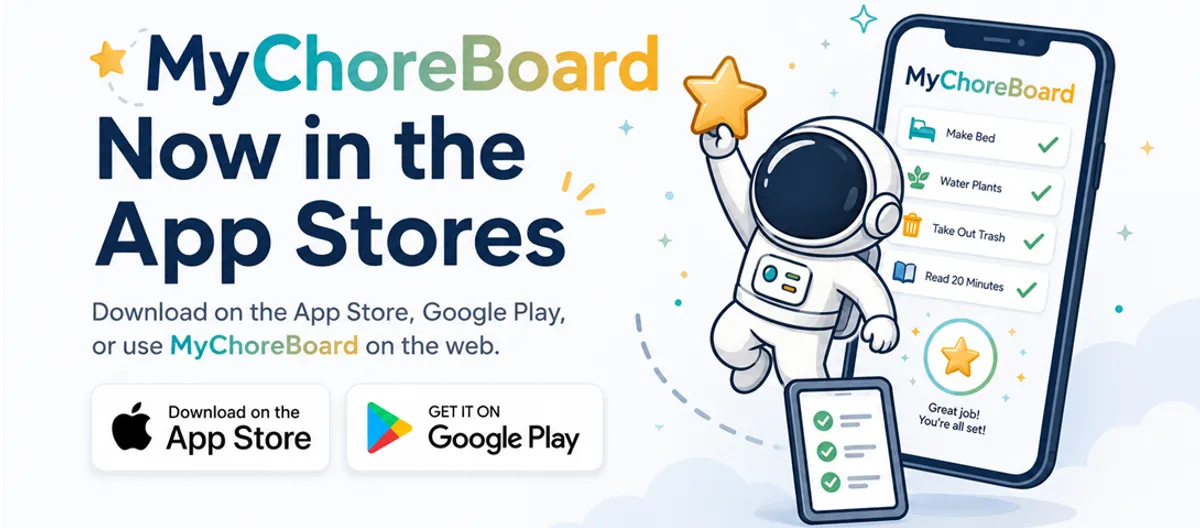
MyChoreBoard is now available in the app stores, giving families a more familiar way to install the free chore and rewards app on phones and tablets.
App Store Launch: Families can now download MyChoreBoard from the Apple App Store and Google Play, while still having access to the same simple web app experience at MyChoreBoard.com.
If you already have an account, just download the app and login. All versions use the same credentials and will all sync to each other.
Now 3 Ways to MyChoreBoard
Web app
Use the Web App
Fastest way to start
Works on phones, tablets, and computers. No app store required.
- Great for getting a family set up right away.
- Use the same account across devices.
iPhone & iPad
Download on the App Store
Best for iPhone and iPad
Install the native iOS version from Apple’s App Store.
- Best choice for Apple mobile devices.
- Use the same account across devices.
Android
Get it on Google Play
Best for Android phones and tablets
Install the Android version from Google Play.
- Best choice for Android mobile devices.
- Use the same account across devices.
Why this matters
From the beginning, MyChoreBoard was built to be easy for real families to use. Parents should not have to fight with complicated setup steps just to give their kids a clear chore list.
The app store launch makes MyChoreBoard easier to:
- Find on iPhones, iPads, Android phones, and Android tablets
- Install on shared family devices
- Add to a child’s tablet without explaining browser steps
- Share with another parent, grandparent, or caregiver
- Keep visible alongside the apps your family already uses
The core goal is the same: make chores clear, keep rewards motivating, and reduce the number of reminders parents have to give every day.
For New Users
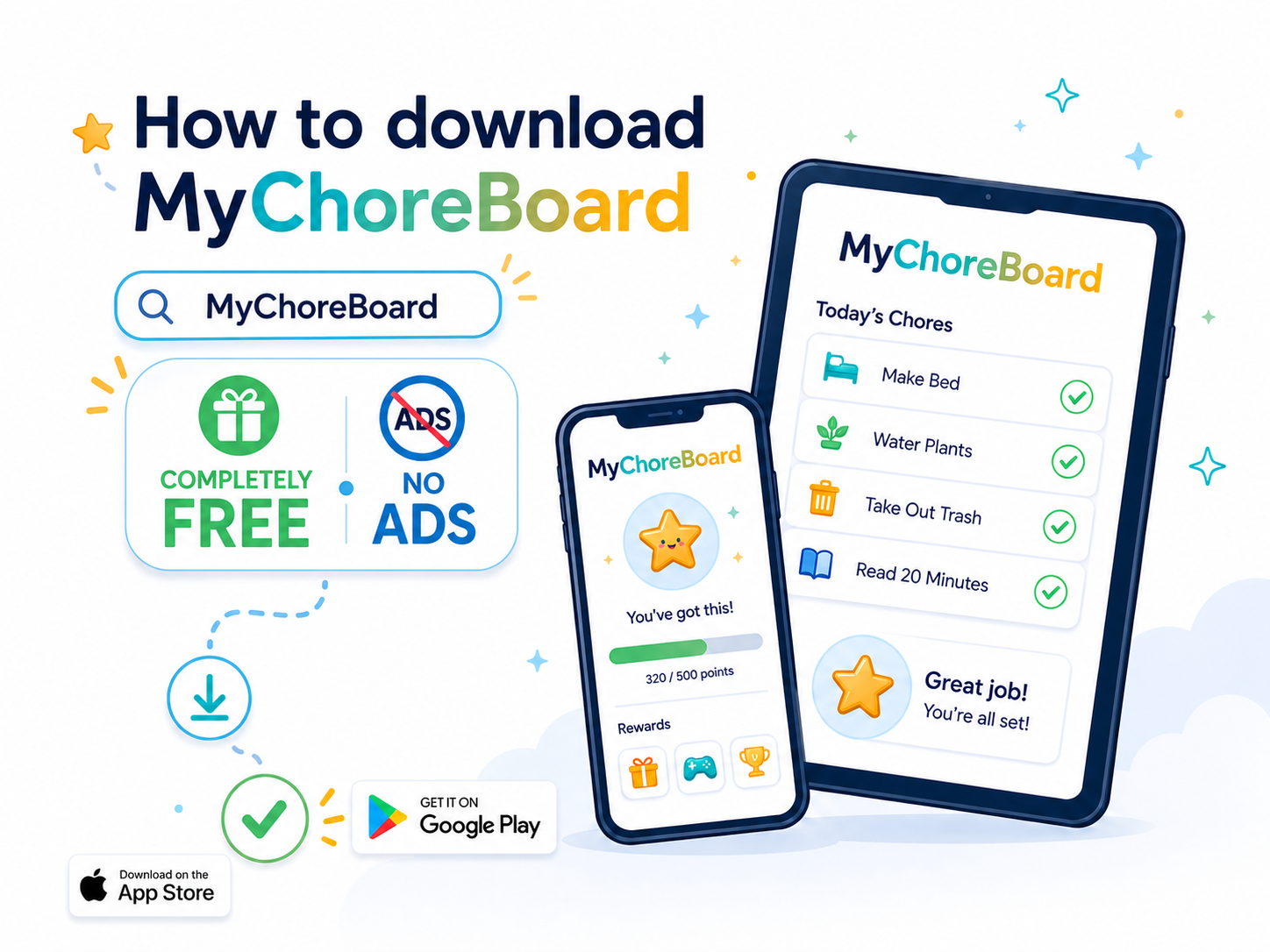
Getting started is simple:
- Open the Apple App Store or Google Play Store
- Search for MyChoreBoard
- Download the app
- Sign in or create your parent account
- Add your children, chores, points, and rewards
If you already use MyChoreBoard, you can sign in with your existing account. Your family, children, chores, rewards, and progress will stay synced across devices.
What changes for existing families?
If you already use MyChoreBoard as a web app or saved home screen app, you do not need to start over.
Your account still works. Your family setup still works. Your chores and rewards still sync.
The app store version simply gives you another way to install MyChoreBoard, especially on devices where app store installs feel easier or more familiar.
This is especially helpful for families using:
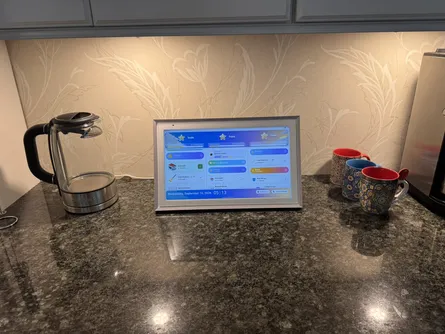
- A shared kitchen tablet
- A child’s iPad or Android tablet
- A parent’s phone
- Devices across two households
- A mix of Apple, Android, and web devices
Why we still love the web version
Even though MyChoreBoard is now available in the app stores, the web version is not going away.
One of the best parts of MyChoreBoard is that it works across many different types of devices. Families can use the version that fits their situation best:
- Download the app from the app stores
- Open MyChoreBoard in a browser
- Save the web app to a home screen
- Use different device types across parents and kids
The goal is flexibility. Your chore system should work around your family, not the other way around.
A big step forward
This update is a major milestone for MyChoreBoard.
What started as a simple way to make chores clearer for kids has grown into a free family chore and rewards app used by parents who want less nagging, more independence, and a calmer daily routine.
Thank you to every family who has tested MyChoreBoard, shared feedback, reported bugs, suggested features, and told another parent about it. Your feedback continues to shape every update.
Frequently Asked Questions
Yes. MyChoreBoard is still and will always be free for families. The app store launch does not change that.
No. Existing families can sign in with their current account. Your children, chores, rewards, and progress will continue to sync across devices.
Yes. The web version is still available. Families can use the app store version, the browser version, or both.
Yes. MyChoreBoard is now available for Apple and Android devices, and the web version remains available for computers, tablets, and phones.
You can use whichever version is easiest for your family. If the saved home screen version is already working well, you can keep using it. If downloading from the app store feels simpler, the app store version is now available too.
Ready to try MyChoreBoard with your kids?
Install on any phone, tablet or computer. Free with no sign-in hoops.