Focus Mode: Help Kids Complete Chores One Step at a Time
- Jacob Volk
- MyChoreBoard Guides
- 08 Jun, 2026
Some kids do great with a full list. Other kids see a full list and freeze.
Focus Mode is built for the second group.
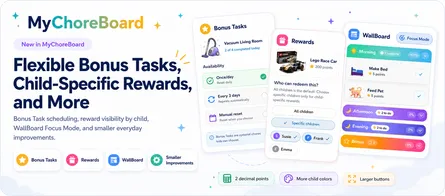
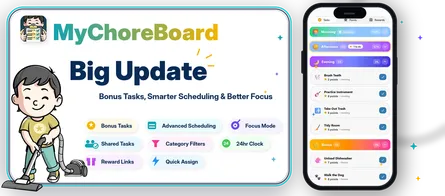
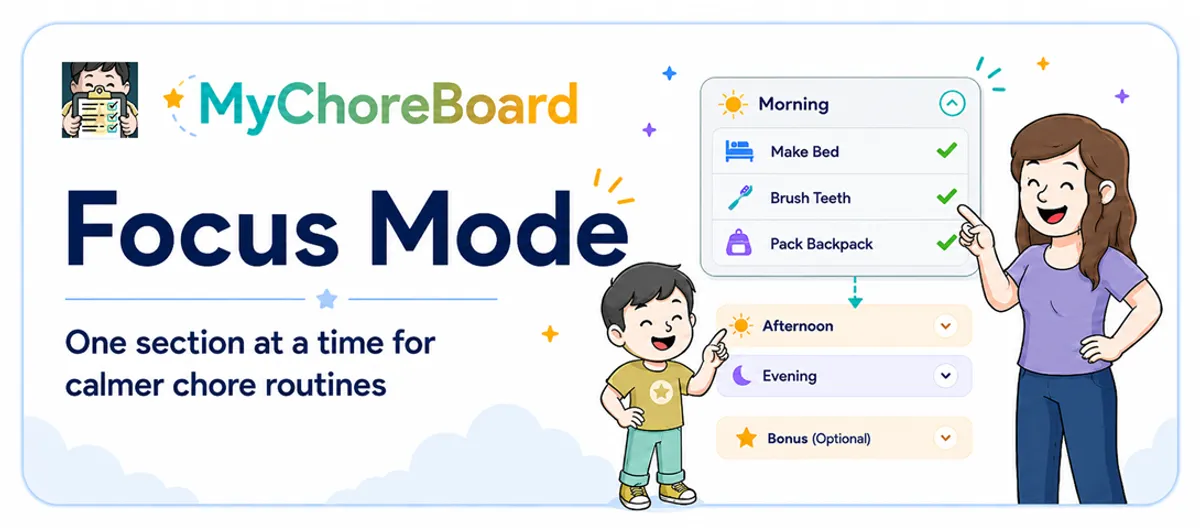
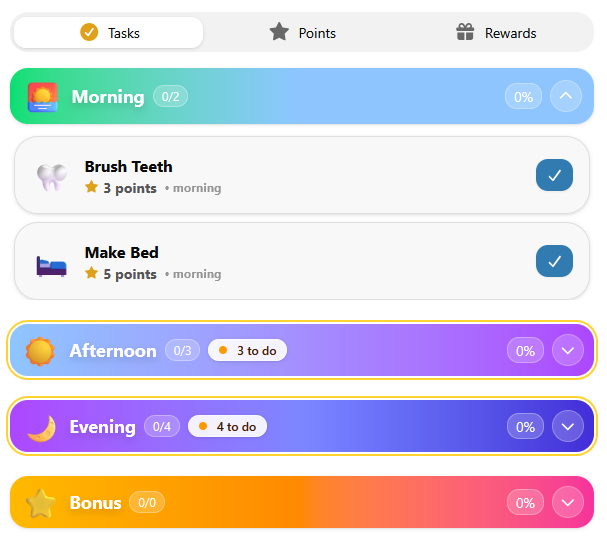
With the latest MyChoreBoard update, Focus Mode helps kids move through the day one section at a time. Instead of showing everything at once, MyChoreBoard can expand the current time-of-day section, collapse completed sections, and open the next section when it is time to move forward.
The result is a calmer child interface with fewer distractions.
What Focus Mode does
Focus Mode keeps the child interface centered on what matters next.
When Focus Mode is active:
- One time-of-day section expands at a time
- Completed sections collapse out of the way
- When one section is done, the next section opens
- Kids see less clutter on the screen
- The day feels more like a step-by-step routine
Instead of asking kids to manage the whole day at once, Focus Mode helps them focus on the current part of the day.
How to turn on Focus Mode
Focus Mode is enabled from each child’s settings.
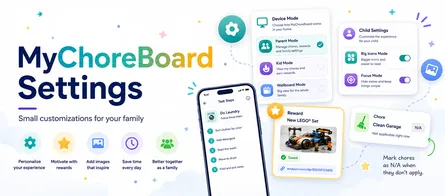
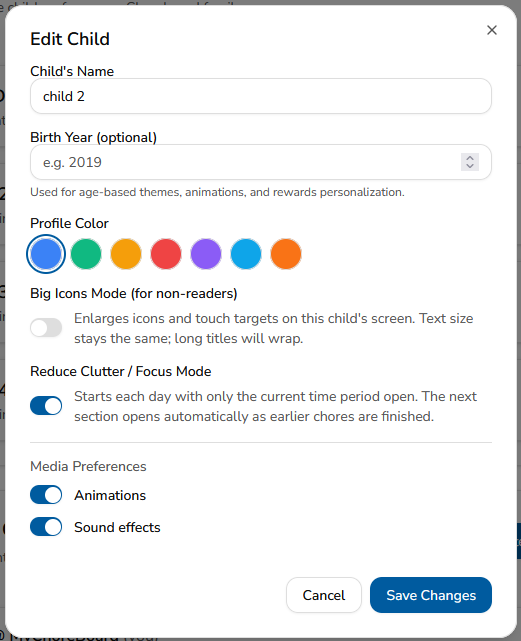
From the Parent Dashboard, click Settings.
Then open the child you want to update and look for Reduce Clutter / Focus Mode in that child’s settings.
Turn the switch on, then click Save Changes.
Focus Mode is controlled separately for each child. That means you can turn it on for one child and leave it off for another.
This is helpful because different kids respond to routines differently. One child may like seeing the whole day at once, while another may do better with only the current section expanded.
Why this helps kids
A long chore list can be hard for kids to process, especially when chores are split across morning, afternoon, evening, and bonus opportunities.
Focus Mode reduces that mental load.
Kids can look at the screen and understand: “This is the section I need to finish right now.”
That can be especially helpful for:
- Younger kids
- Early readers
- Kids with ADHD
- Kids who get distracted easily
- Kids who respond better to visual routines
- Families trying to reduce repeated reminders
The goal is not to hide responsibility. The goal is to make responsibility easier to start.
Time-of-day sections now collapse when complete
This update also improves how Morning, Afternoon, and Evening sections behave.
When a time-of-day section is complete, it can collapse so the child does not keep seeing a finished list. That makes progress feel obvious and keeps attention on what remains.
A completed section becomes a small visual win instead of more screen clutter.
Why “one section at a time” works
Most kids do better when the next step is clear. Focus Mode helps the interface behave more like a guide.
Finish this section. Then move to the next one.
That small change can make the app feel much less overwhelming.
Better routines, fewer reminders
Focus Mode is part of a larger goal: making chores feel clear enough that kids can do more on their own.
When kids can see what needs to happen now, parents do not have to explain the whole day over and over.
Frequently asked questions
Focus Mode helps kids concentrate on one time-of-day section at a time instead of seeing the entire day expanded at once.
From the Parent Dashboard, click Settings. Open the child you want to update, turn on Reduce Clutter / Focus Mode, then click Save Changes.
Yes. Focus Mode is controlled separately for each child, so you can turn it on for one child and leave it off for another.
Completed sections can collapse out of the way, making the child interface cleaner and keeping attention on what remains.
Yes. Bonus Tasks can remain separate from the required time-of-day routine, which helps kids understand what is required and what is optional.
Many kids with ADHD benefit from clearer visual routines and fewer competing choices. Focus Mode is designed to make the next step easier to see.

Ready to try MyChoreBoard with your kids?
Install on any phone, tablet or computer. Free with no sign-in hoops.